
Finding an affordable online cooking membership with real support and step-by-step recipes for home cooks is often unpredictable. Many cooking memberships charge high monthly fees or do not offer chef guidance and skill lessons aimed at beginners. You can compare price, personalized support, and recipe planning across six alternatives to pick a consistent, budget-friendly membership that matches your cooking needs.
Table of Contents
- Adulting With Food
- CookEase India
- Mealime
- Eat This Much
- Paprika Recipe Manager
- Cook Smarts
- Comparison of alternatives
Adulting With Food

At a Glance
Members can lock in a lifetime founding price of $5/month. This low entry cost makes weekly coach-led practice affordable for people starting from zero. The membership bundles a Starter Pack with weekly recipes, grocery lists, and direct chef support to teach basic kitchen skills.
Core Features
The membership delivers weekly recipes with grocery lists and straightforward instructions to help you cook the same dishes more than once. It includes grocery shopping guidance and hands-on practical kitchen skills lessons that break tasks into simple steps. Members also get the Starter Pack and chef support via email to answer questions as they practice.
Key Differentiator
The program centers on hands-on skills and confidence building led by a real chef with ongoing support. Lessons focus on concrete abilities like knife work, mise en place, and grocery basics rather than only recipes. That teaching model helps people move from following instructions to making decisions in the kitchen.
Pros
Beginners learn from step one with material built for people who have never cooked. Weekly recipe drops and grocery checklists remove decision fatigue and make planning predictable. The Starter Pack points you to the right tools so you stop buying gadgets you never use. Email access to a chef gives practical feedback when a technique trips you up. Locking a low founding price makes regular practice cheaper than constant takeout.
Cons
- Store offerings are limited. There are no additional physical products or an extended course catalog for purchase.
Who It's For
This membership suits people with little to no cooking experience who want guided, repeatable practice. It fits recent grads living alone and anyone ready to replace frequent takeout with simple home cooking. If you want step-by-step help, grocery lists, and a clear starter kit, this membership matches that need.
Unique Value Proposition
Locking a lifetime price of $5/month turns weekly learning into an inexpensive habit rather than a one-off course. The Starter Pack reduces guesswork about tools so your first months focus on skill, not supplies. Ongoing chef support shortens the feedback loop when you try a new technique, so you correct mistakes faster and keep practicing.
Real World Use Case
A recent college graduate who never cooked uses weekly recipes and grocery lists each Sunday. They follow simple lessons on knife basics and meal assembly from the Starter Pack. When a sauce breaks, they email the chef, get clear guidance, and try the recipe again the next week.
Website: https://adultingwithfood.com
CookEase India

At a Glance
Key pages like pricing, features, and product details are missing from the site. The platform combines curated meal kits with an active recipe-sharing community aimed at healthy home cooking. That lack of transparency makes it hard to compare plans or check sourcing before you join.
Core Features
CookEase India pairs fresh ingredient meal kits with chef-designed recipes that aim to simplify dinner prep for busy households. The site hosts a community area where members share recipes, tips, and photos to inspire one another. Content shows a focus on whole food meals across different cuisines and dietary preferences.
Key Differentiator
The main draw is the community angle. Members can exchange ideas and post their results alongside access to curated kits that match the recipes. That collaborative focus positions the offering more as a social cooking hub plus meal kits rather than a strictly transactional delivery service.
Pros
Community interaction helps people find new recipes and get feedback on technique. The emphasis on whole food ingredients suits readers who want healthier weeknight options, and the chef-designed recipes keep steps clear for beginners. The variety apparent in online content suggests options for different cuisines and dietary needs, which helps families and solo cooks avoid menu fatigue.
Cons
- Website lacks detailed product information, which makes it hard to verify what comes in a kit.
- No pricing or subscription details appear, so you cannot compare cost or commitment before contacting the company.
- Limited transparency about ingredient sourcing and portion sizes reduces confidence for people with allergies or strict diets.
- The site does not list customization options or clear delivery coverage.
When It May Not Fit
If you need clear pricing, detailed ingredient lists, or documented subscription options, this platform will not meet your needs. Larger families who must confirm portion sizes or people with strict allergies should look elsewhere. Also avoid it if you want documented delivery areas and scheduling before ordering.
Who It's For
People who enjoy sharing recipes and learning from a cooking community will get the most value. Home cooks who prefer fresh, whole food meals and who are comfortable asking questions in a group fit well here. Families seeking convenient dinners that emphasize healthy ingredients may also appreciate the curated kit approach.
Real World Use Case
A home cook finds a weeknight curry recipe in the community feed and posts a photo after trying it. They order a curated meal kit to match the recipe and follow the chef-designed steps for a faster dinner. Over time they swap tips with other members and collect new recipe ideas for the next week.
Website: https://cookeaseindia.com
Mealime
At a Glance
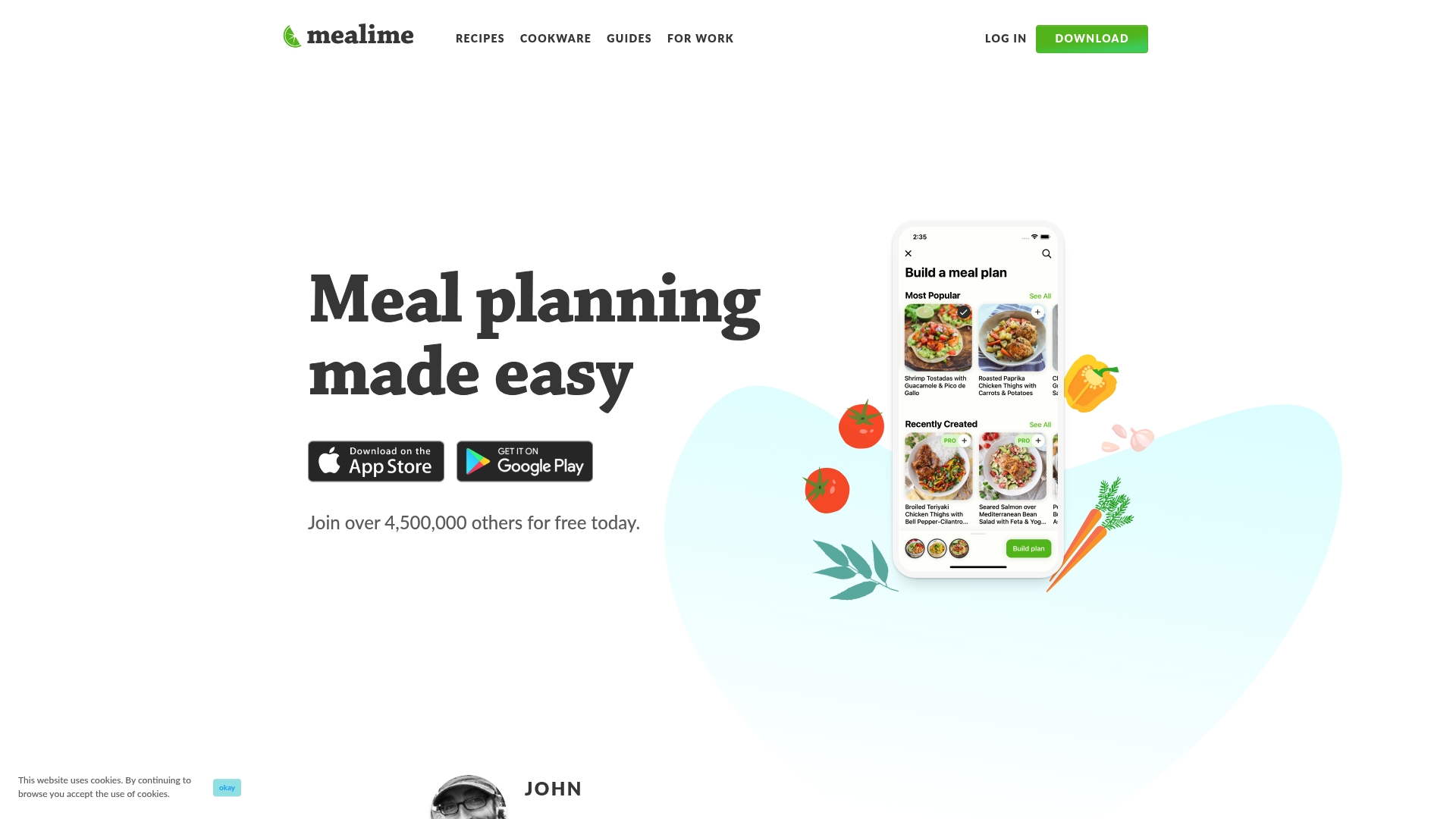
Mealime states it has over 200 customization options for tailoring meal plans to allergies and diets. The app is free to use and builds weekly plans that pair recipes with an automated shopping list. It also offers step by step instructions and a hands free cooking mode to keep you moving while you cook.
Core Features
The personalized meal plan builder adapts to preferences and restrictions and populates a weekly plan that fits your schedule. An automated grocery list sorts items by store category so shopping takes less mental work. The recipe database covers vegetarian, low carb, keto, paleo, vegan, and other diets while the hands free cooking mode and step by step instructions guide you through each recipe.
Key Differentiator
That customization claim is the clearest difference. You can filter recipes across a wide set of dietary needs and avoid ingredients you must skip. That level of filtering helps reduce time spent editing plans and hunting for safe recipes.
Pros
Mealime is free to use, which lowers the barrier for people who want a simple system without a subscription. The app saves time by generating automated grocery lists and linking items to your weekly plan. The hands free cooking mode and clear step by step instructions make following new recipes less stressful for cooks who are still building kitchen confidence.
Cons
-
Depends on your device and the app for access. If the app goes offline you lose the plan and list.
-
It only delivers recipes and guidance. You still need to cook and shop on your own.
-
Some third party reviews report desires for a broader or more varied menu than Mealime currently shows.
When It May Not Fit
If you need an in person meal service or ready made meals this app will not meet that need. People without reliable internet or without a smartphone or tablet will find the experience limited. If you want a massive rotating menu or niche regional dishes the current recipe set may feel narrow. If you need hands on cooking lessons rather than guided recipes, a coach or class will work better.
Who It's For
Time starved individuals or families who want straightforward, healthier dinners will get the most value. People managing food allergies or strict diets will appreciate the filtering and plan builder. Home cooks who prefer following written and spoken steps instead of watching long videos will find the format practical.
Real World Use Case
A busy working parent selects vegetarian and allergy filters, then builds the week in twenty minutes. The app produces a single shopping list organized by aisle and the hands free mode walks them through each recipe while they prep. That workflow cuts grocery runs and reduces dinner time stress for the whole household.
Website: https://mealime.com
Eat This Much
At a Glance
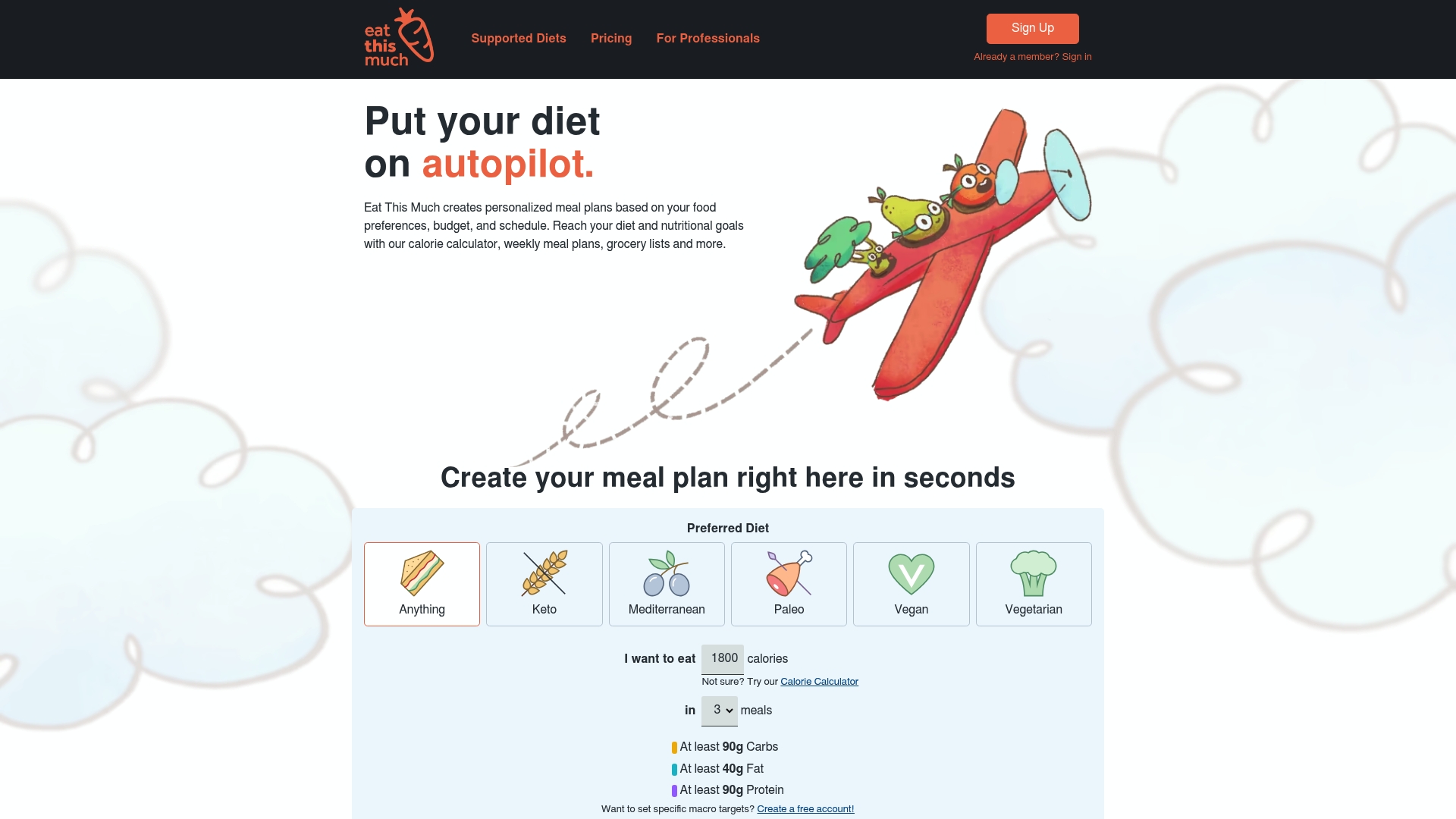
The Premium plan costs $5.00/month and unlocks grocery delivery links tied to your weekly plan. The app builds calorie-targeted menus and a matching shopping list from your stated preferences. That combination makes ordering staples as simple as tapping a delivery link.
Core Features
The app generates personalized meal plans from your calorie targets, diet type, and schedule, then produces a weekly shopping list. It supports common diets including keto, vegan, paleo, Mediterranean, and vegetarian, and tracks calories and macros. You can also add items to a virtual pantry, use mobile apps on iOS and Android, and connect grocery delivery.
Key Differentiator
Eat This Much serves both solo cooks and professionals who manage multiple clients. The platform pairs client-style meal plan management with grocery delivery integrations. That focus makes it useful for people who want meal plans plus a direct way to order ingredients.
Pros
The interface reduces time spent planning by automating menu generation and shopping lists. It supports many diet types and macro tracking, which helps people with specific calorie goals. The vendor reports high user ratings and positive testimonials, and the Pro tier adds client management tools for dietitians and trainers.
Cons
- Customization can feel complex for complete beginners. Adjusting recipes and macros may require some trial and error.
- Premium features require a paid subscription. The free tier limits access to advanced plan customization and delivery links.
- The app relies on an internet connection for full functionality. Offline planning options are limited.
- Some users want more granular macro presets for highly specific diets.
When It May Not Fit
If you want hands-on cooking lessons or step-by-step skill building, this app is not designed for that. People who need full offline access will find features restricted without connectivity. Budget-minded users who refuse subscriptions may outgrow the free tier quickly. Teams that need integrated time tracking or billing should look elsewhere.
Notable Integrations
Eat This Much connects directly to grocery delivery services to speed shopping and reduce friction. Supported partners include Instacart and AmazonFresh. Those links let you move from a shopping list to a delivery checkout in a few taps.
Who It's For
People who want automated, calorie-aware meal plans with quick grocery ordering will get the most value. Fitness clients and health-conscious cooks who track macros benefit from the tracking tools. Dietitians and trainers who need repeatable client plans will appreciate the Pro options.
Real World Use Case
A user sets target calories and dietary preferences, then receives a week of meals and a combined grocery list. She taps an Instacart link to order ingredients and uses the app to log daily macros. The purchasing and tracking loop keeps her focused on the plan instead of shopping logistics.
Pricing
A free tier provides basic meal planning and shopping lists. Premium costs $5.00/month and unlocks grocery delivery integration, weekly plan customization, and additional features. Professional plans exist for client management with variable pricing based on needs.
Website: https://eatthismuch.com
Paprika Recipe Manager
At a Glance
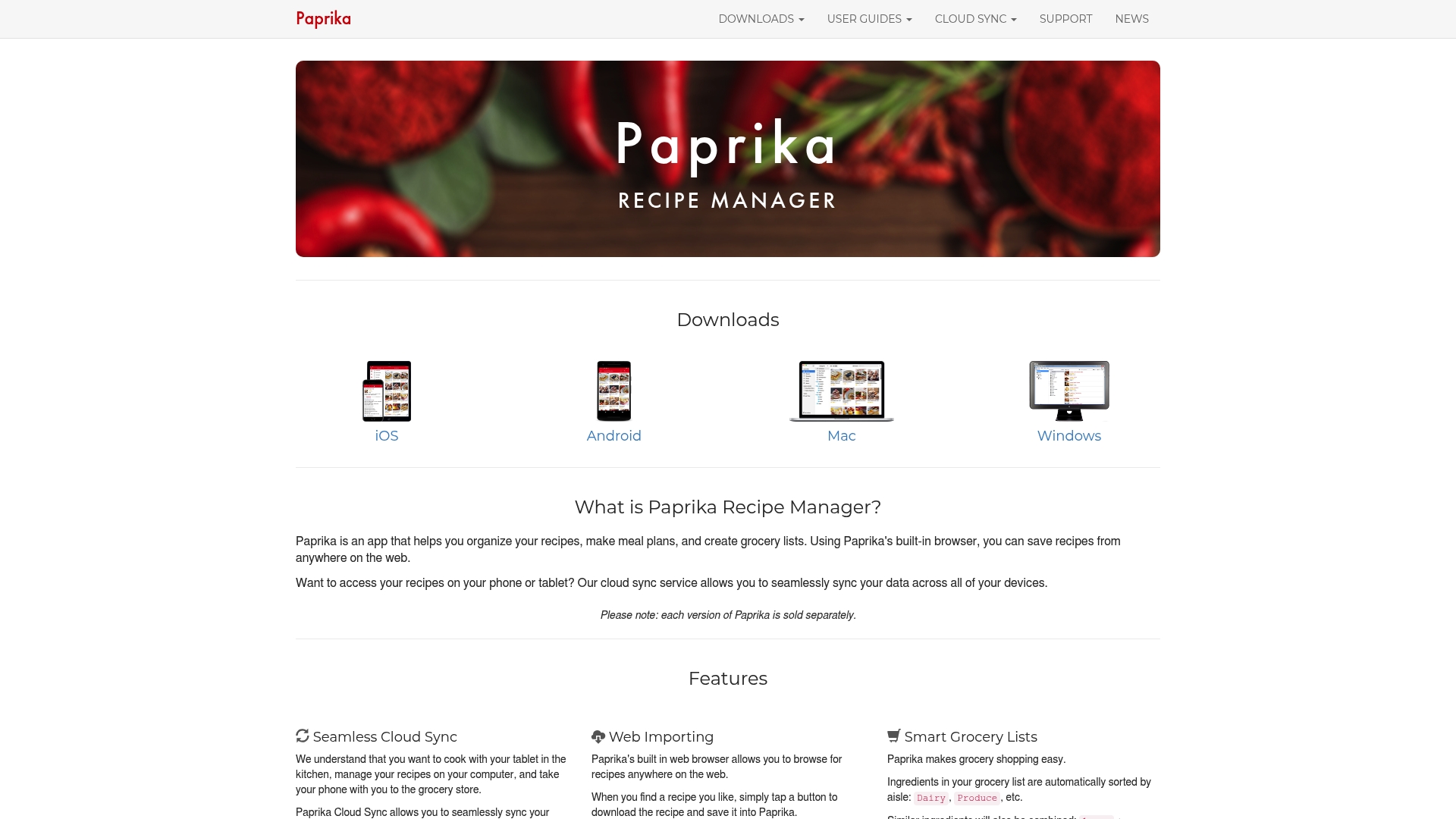
Each platform version is sold separately, with some bundle options for owners who want apps on multiple devices. This matters if you want a single license that covers phone, tablet, and desktop. Paprika stores recipes for offline use and keeps grocery lists organized by aisle so shopping takes less guesswork.
Core Features
Paprika supports web importing from any recipe site and lets you edit or tag saves for later. It offers cloud sync across devices, interactive recipes with timers and step highlighting, meal planning, recipe scaling, and unit conversions. The app also builds smart grocery lists and allows offline access, printing, and simple sharing.
Key Differentiator
Paprika stands out for its combination of cloud sync and hands on cooking tools. The app ties timers, recipe scaling, and web importing into the same interface, so planning and cooking happen in one place. That blend suits people who both collect recipes and cook from them regularly.
Pros
Paprika has a clear and user friendly layout that makes large recipe collections easy to navigate. The web import tool is fast and saves ingredients and directions in editable form. Meal planning plus the grocery list grouped by aisle removes a lot of weekly friction. Cloud sync keeps your recipes on phone, tablet, and computer so you do not reenter items. Integrated timers and recipe scaling make on the fly adjustments simple.
Cons
- Some versions require separate purchases, so buying for phone and desktop can add cost.
- Mobile builds may lack a few desktop conveniences, making editing or bulk changes slower on a phone.
- There is little in the way of free trial time in some stores, which limits hands on testing before purchase.
When It May Not Fit
If you want a single universal license that works on all your devices, Paprika may not fit. If you need a fully cloud based subscription that covers everyone in a household under one fee, this product often sells per platform. Very casual cooks who only need a handful of recipes may find the feature set more complex than necessary.
Who It's For
Home cooks and meal planners who collect recipes and want them accessible on multiple devices will get the most value. People who like to import recipes from blogs and scale portions for family meals will find the tools practical. This fits cooks who prefer ownership over a subscription and who do not mind buying apps per device.
Real World Use Case
A busy family saves online recipes into Paprika on their laptop. The parent scales a dinner recipe and adds ingredients to a smart grocery list. The list appears on both phone and tablet, and the cook uses built in timers while following the interactive recipe on a tablet in the kitchen.
Pricing
Pricing varies by platform. Mobile apps typically cost about $4.99, and the Windows desktop version is around $29.99, with bundle options available in some cases. Expect to pay separately for each major device unless you choose a listed bundle.
Website: https://paprikaapp.com
Cook Smarts
At a Glance
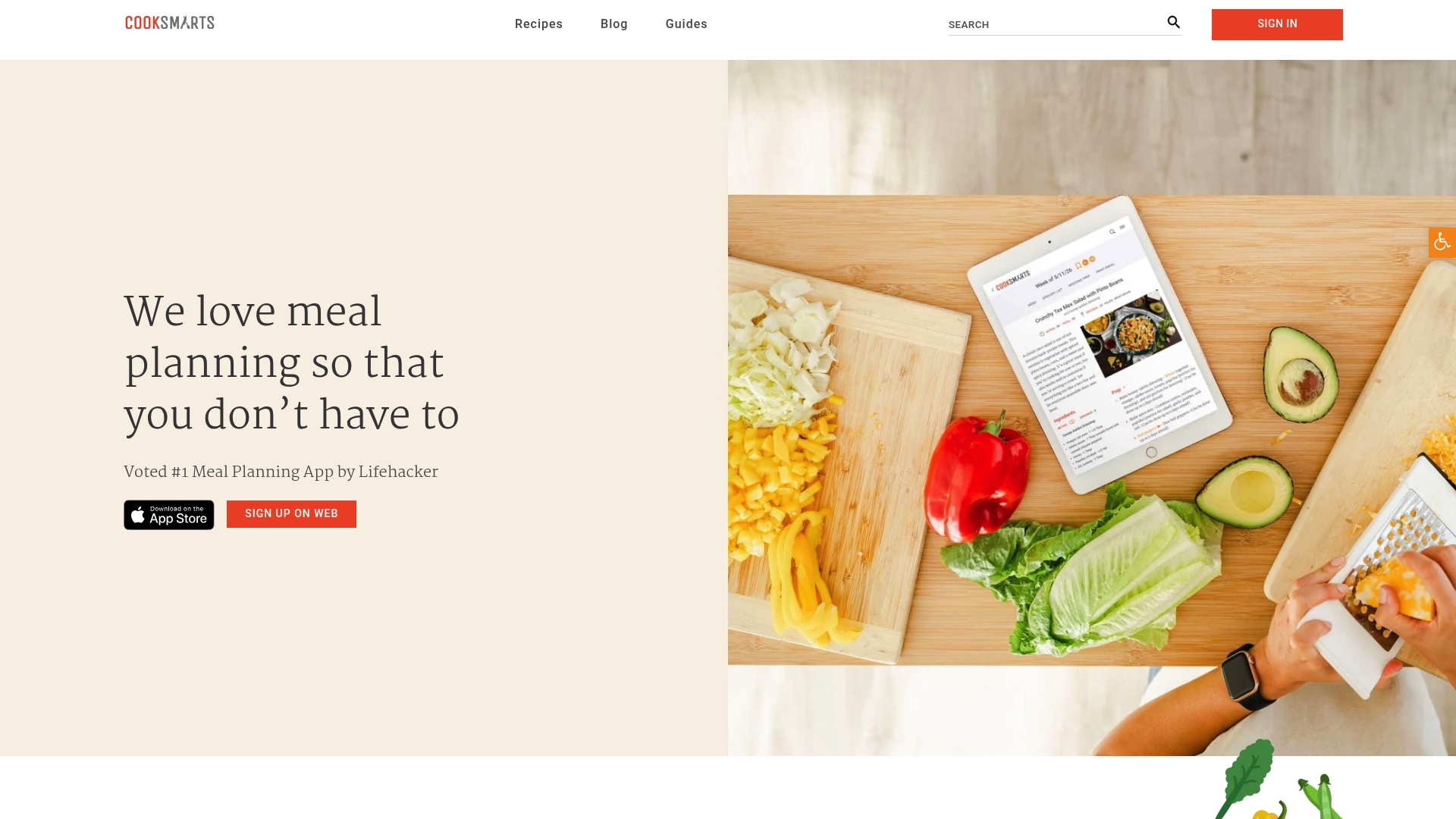
Founded in 2013 by women, Cook Smarts pairs weekly meal planning with video based cooking education. The service supplies ready grocery lists you can pull with one click and dietary filters like gluten free and paleo. A free 14 day trial lets you try the weekly plan and tutorials before subscribing.
Core Features
Cook Smarts offers customizable meal plans that you can filter by ingredient, protein, or cuisine and adapt to family size. The platform includes video tutorials for core skills, plus recipes with clear prep steps aimed at reducing food waste. It also delivers weekly grocery lists and works on iOS and the web for planning on the go.
Key Differentiator
The standout is the emphasis on cooking education alongside meal plans. Lessons and videos teach technique so meals become repeatable, not just recipes to follow once. That community driven support through a Facebook group reinforces learning and keeps members sharing tips.
Pros
Cook Smarts mixes practical meal planning with skill building, which helps people who want both convenience and kitchen confidence. The weekly grocery lists cut shopping time and reduce impulse takeout by making meals easier to execute. The mobile app and web access mean you can check recipes and lists from the store or while prepping in the kitchen.
Cons
-
Requires you to set preferences and tweak plans; the system is not a rigid fixed menu for people who want everything pre decided.
-
Some recipes call for specialty ingredients that may need an extra store run.
-
Full access requires a subscription, and cancellation specifics are not fully detailed in public materials.
-
Reviews include limited information on allergen specific recipes and labeling.
When It May Not Fit
If you want a completely hands off, locked weekly menu, Cook Smarts may not match that need. Users with no internet access will lose much of the functionality, since videos and lists stream online. People who rely only on supermarket staples might find a few recipes require specialty ingredients not locally available.
Who It's For
Home cooks and families who want to learn while they plan meals will get the most from Cook Smarts. Parents juggling work and dinner prep will appreciate the grocery lists and prep steps. People aiming to cut costs compared with meal kits will value the ingredient reuse and waste reduction.
Real World Use Case
A family with two working parents uses Cook Smarts to pick five weekly dinners, print a single shopping list, and watch a short roast technique video together. They prep parts of meals on Sunday using the recipe prep steps to save weeknight time. Over a month they cook at home more often and rely on takeout less.
Pricing
Most popular plans include a monthly plan at $14.99 and an annual plan at $99.99, and the service offers a free 14 day trial. The monthly option suits people who want short term flexibility. The annual plan lowers the per month cost for regular planners.
Website: https://cooksmarts.com
Comparison of alternatives
Developing fundamental kitchen skills for beginner cooks is a unique feature that distinguishes Adulting With Food in this comparison. However, several options provide different advantages based on specific user goals and needs.
Feature diversity among platforms
Each alternative offers unique strengths reflecting its core purpose. For instance, Adulting With Food excels in mentorship and skill-building through its chef-led coaching model, while Paprika Recipe Manager specializes in providing recipe storage and offline accessibility. Mealime focuses on dietary customization and efficient meal planning, making it a go-to for those managing specific dietary restrictions.
Best fit
- Beginners needing guided cooking practice benefit the most from Adulting With Food due to its expert chef support and structured learning path.
- Advanced cooks seeking recipe management tools will appreciate Paprika Recipe Manager for its powerful editing and multi-device synchronization.
- Families or individuals prioritizing diet customizations in their plans should consider Mealime for its extensive dietary filters and streamlined shopping lists.
- Community-oriented users who value shared recipe platforms and interactive features will find value in CookEase India's collaborative features.
Our pick
Adulting With Food offers a distinct solution for beginners aiming to become confident cooks by combining structured lessons, practical tools, and expert support. While other platforms meet diverse culinary and logistical needs, this membership uniquely aims at skill acquisition, making it the leading choice for novice cooks beginning their culinary journey.
Explore the unique features of various online cooking memberships to identify the one that aligns best with your culinary learning preferences.
| Service | Pricing | Core Feature | Key Differentiator | Notable Limitation |
|---|---|---|---|---|
| Adultingwithfood | $5/month | Weekly recipes with guidance and support | Hands-on chef-led skills teaching | Limited additional physical product offerings |
| CookEase India | Price not published | Meal kits with community recipe sharing | Social community engagement | Website lacks transparency on offerings and pricing |
| Mealime | Free | Automated custom meal plans with shopping lists | Extensive dietary customization options | Dependent on app functionality for access |
| Eat This Much | Free / $5/month | Calorie-aware meal plans with grocery integration | Integration with grocery delivery services | Complex customization for beginners |
| Paprika Recipe Manager | $4.99+ per app | Offline accessible recipe storage and meal planning | Timers and web-imported recipes management | Requires separate purchases for multiple devices |
| Cook Smarts | $14.99/month, $99.99/year | Video-based cooking lessons and meal planning | Meal plans blended with skill-building content | Requires internet for most learning material |
Finding Affordable eMeals Alternatives That Build Kitchen Confidence
Many people new to cooking want an easy way to move away from takeout without feeling lost in the kitchen. The biggest challenge is learning real skills, not just following recipes. Adultingwithfood offers a digital cooking membership that solves this by providing weekly recipes, detailed grocery lists, and hands-on guidance from a chef. You get the Starter Pack that shows you what kitchen tools to use and how to set up your space for success.
If you want affordable, ongoing support instead of one-off courses or confusing meal kits, Adultingwithfood fits that need well. Lock in your low monthly price for life and practice cooking with help when you hit bumps. Visit Adultingwithfood to get your Starter Pack and start gaining kitchen confidence with a real chef by your side.
FAQ
What features make Adultingwithfood suitable for beginners?
Adultingwithfood focuses on building kitchen confidence for those who have never cooked. It provides a Starter Pack with weekly recipes, grocery lists, and direct chef support, all tailored for beginners. New users should expect a structured learning path that simplifies the cooking experience.
How does CookEase India compare to Adultingwithfood?
CookEase India fosters community interaction, allowing members to share recipes and tips. While this social aspect can inspire creativity, Adultingwithfood excels in its structured approach, offering hands-on skills and direct chef support that is ideal for those new to cooking.
Can I customize meal plans with Adultingwithfood?
Adultingwithfood provides customizable meal plans based on skill level, making it easier for beginners to learn and practice recipes. The program focuses on concrete cooking abilities rather than just delivering recipes, which enhances learning. Users should feel empowered to adjust their plans as they grow in confidence.
What is the pricing structure for Adultingwithfood?
Adultingwithfood offers a founding price of $5/month, which is locked in for life as long as you maintain your membership. This low fee allows access to weekly meal planning without a heavy financial burden.
How does Mealime support dietary needs compared to Adultingwithfood?
Mealime provides over 200 customization options for various dietary preferences, making it useful for specific diet management. In contrast, Adultingwithfood's primary focus is on teaching basic skills and confidence for beginners, supporting those who want to improve cooking without strict dietary constraints.
What level of support can I expect from Adultingwithfood?
Adultingwithfood offers email access to a chef for practical feedback as you practice. This direct support is designed to help you overcome challenges quickly, promoting ongoing learning and skill development.